Every mile you drive in the Inland Empire carries risk, weather, traffic, and weigh‑station delays can turn a routine run into a nightmare. Below are the apps that cut those risks down, and a quick way to pick the right mix for your routes.
1. CDL Jobs Inland Empire
CDL Jobs Inland Empire connects you with a top‑tier FedEx linehaul contractor, giving you stable weekly pay, direct‑deposit payroll, and bonus incentives. The platform also bundles a driver portal that shows real‑time load assignments, route maps, and safety alerts tailored to the Inland Empire’s network.
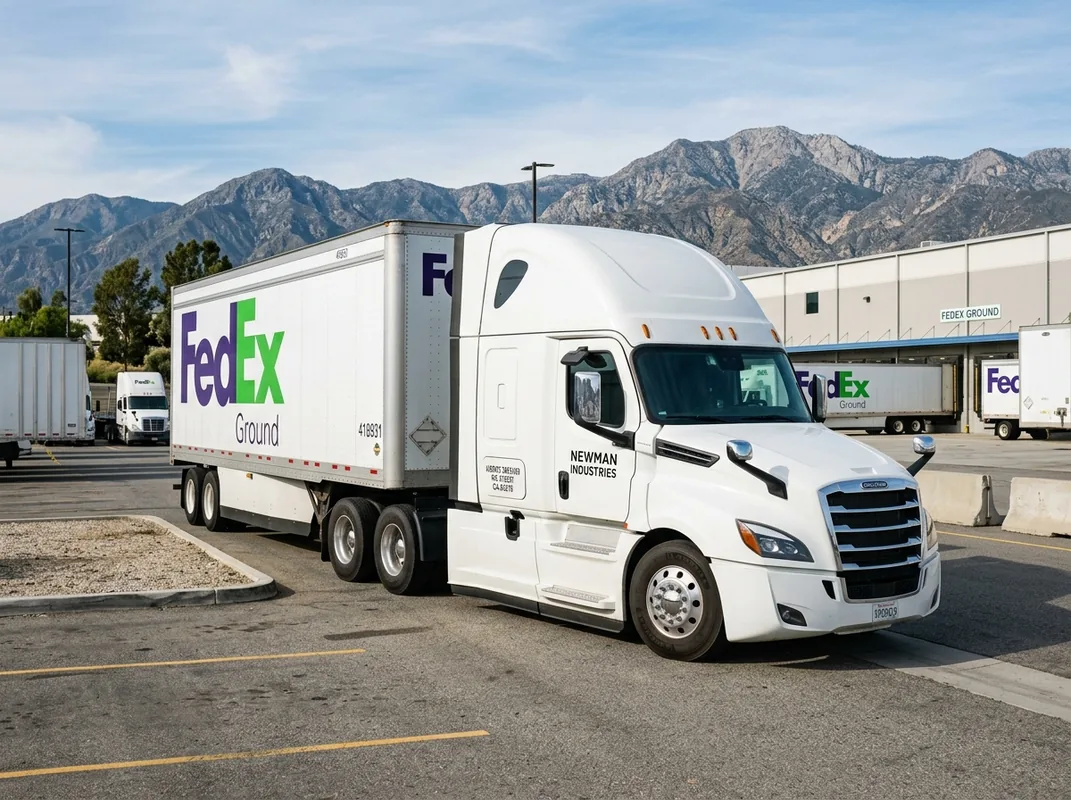
Drivers who sign up get instant access to a weather widget that pulls alerts from trusted sources, so you won’t be caught off guard by sudden storms. The portal also flags high‑risk weigh stations and suggests bypass routes, which can shave minutes off a long haul.
Because the service is built for FedEx linehaul work, it respects truck dimensions and weight limits automatically, no manual entry needed.
Bottom line: if you want a job that comes with built‑in safety tools, this is the place to start.
cdljobsinlandempire.com2. MyRadar — Real‑Time Severe Weather Alerts
MyRadar delivers a high‑resolution radar map that updates every few seconds. It shows storm cells, hail, and tornado paths right on your phone, letting you reroute before the sky turns dangerous.
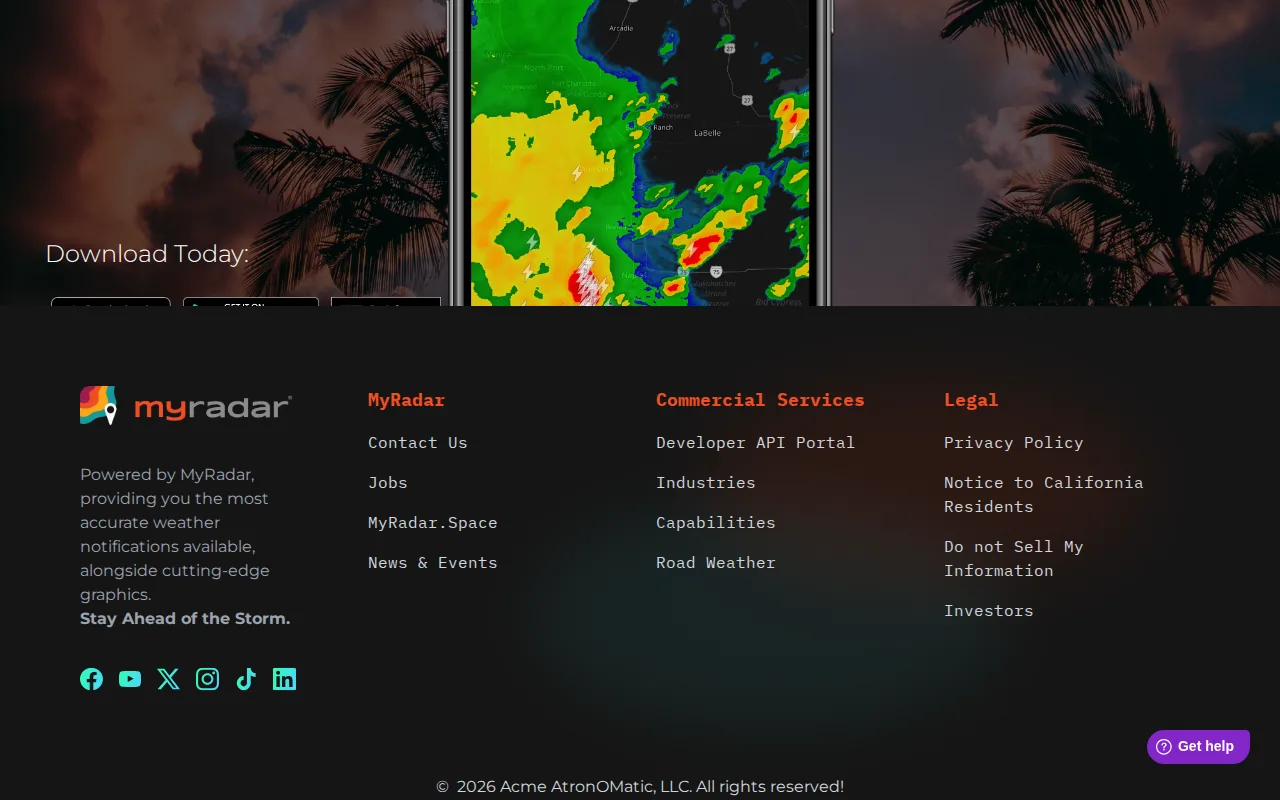
The app works on both iOS and Android, and its “Storm Tracker” mode highlights the direction and speed of each cell, a handy visual for planning detours.
Truckers love the ability to set custom alerts for a radius around their current location, so you get a heads‑up even when you’re cruising on a highway.
One downside: the free version contains occasional banner ads, but a modest one‑time purchase removes them.
Overall, MyRadar gives you the kind of instant, location‑specific weather intel that can prevent a costly delay.
3. Drivewyze — Weigh Station Bypass & Safety Notifications
Drivewyze alerts you two miles before a weigh station or inspection site, and lets you request a bypass when you qualify. The bypass saves time and reduces wear on brakes and tires.
It also pushes safety notices, like low‑visibility alerts or road‑work warnings, directly to the app, so you can act without pulling over.
Fleet and independent drivers can log bypasses to improve their CSA scores, an added compliance benefit.
New users must register their vehicle’s dimensions; once that’s done the system works automatically.
Drivewyze isn’t a navigation app, so you’ll still need a map tool for routing.
4. CDLLife — Roadside Assistance & Community
CDLLife offers on‑demand roadside help, from tire changes to fuel delivery, all vetted by a network of trusted providers in the Inland Empire.
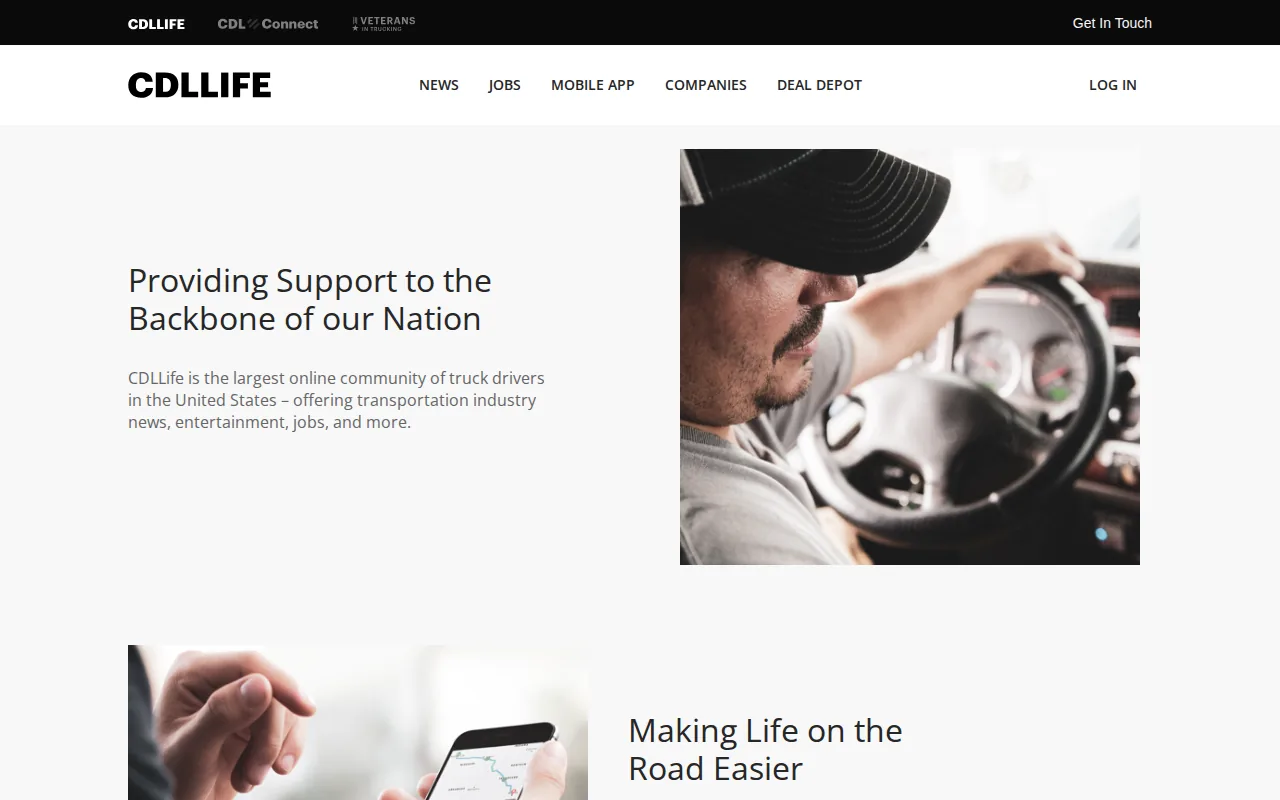
The app also includes a community forum where drivers share real‑time updates on road closures, weigh‑station status, and safe parking spots.
Because the service is built for CDL drivers, the assistance request form automatically fills in your truck’s make, model, and load size.
Limitations: coverage is limited to California and Nevada, so long trips out of state need a backup plan.
When you need a quick fix on the road, CDLLife’s one‑tap request can keep you moving.
5. Google Maps — Traffic & Accident Alerts for Local Routes
Google Maps gives you live traffic data, accident reports, and road‑closure notices, all refreshed every few seconds. The app now includes a “truck‑friendly” layer that warns you about low bridges and weight‑restricted roads.
When you’re handling the dense network of freeways around Riverside and San Bernardino, the real‑time congestion overlay helps you avoid bottlenecks that can cause fatigue.
It also integrates with your calendar, so scheduled stops appear as suggested waypoints.
Drawback: the free version doesn’t offer offline maps, so you’ll need a data connection in the desert stretches where signal can drop.
For most regional runs, Google Maps is a reliable backup to a dedicated truck GPS.
6. Windy — Wind & Storm Tracking for Heavy Haul
Windy visualizes wind speed, direction, and gust forecasts on a moving map. Heavy‑haul drivers can see high‑wind corridors ahead of time and choose routes that stay under safe wind limits.
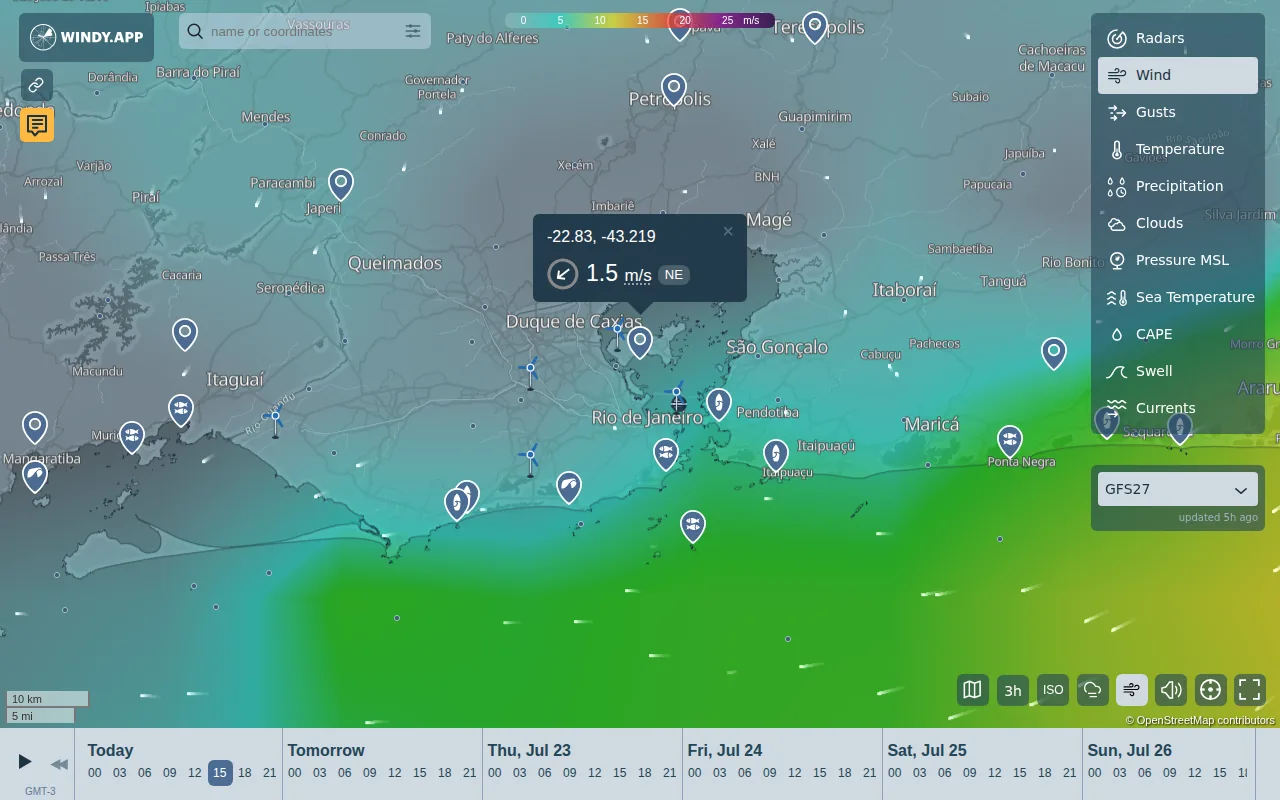
The app’s “Windy Layers” let you stack temperature, pressure, and precipitation data, giving a full picture of upcoming weather.
Because wind can affect high‑profile loads, the app lets you set a wind‑speed threshold that triggers an alert.
It requires a data connection; offline mode isn’t available.
For routes that cross the Cajon Pass or the desert, Windy is a must‑have.
How to Choose the Right Mix
- Start with a job platform that bundles safety alerts (CDL Jobs Inland Empire).
- Add a dedicated weather radar (MyRadar or Windy) for real‑time storms.
- Layer in a weigh‑station bypass tool (Drivewyze) to cut idle time.
- Keep a community‑driven app (CDLLife) for on‑the‑ground updates.
- Use Google Maps as a traffic backup.
Pick the three that cover your biggest pain points and test them on a short run before committing fully.
Frequently Asked Questions
Which app gives the fastest weather alerts?
MyRadar provides the quickest real‑time radar updates, often within seconds of a storm forming.
Can I use these apps offline?
No. All six apps require a data connection; none offer full offline functionality, which is a known gap for Inland Empire routes.
Do any of these apps work on both iOS and Android?
MyRadar works on both iOS and Android.
How do I get a weigh‑station bypass?
Register your truck’s dimensions in Drivewyze, then the app will automatically request bypasses when you’re eligible.
Is there a free option for traffic updates?
Google Maps offers free traffic and accident alerts, though it lacks offline maps for remote desert stretches.
Conclusion
Start with CDL Jobs Inland Empire for a FedEx linehaul gig that already bundles safety alerts, then add MyRadar and Drivewyze to cover weather and weigh‑station delays. Download the apps, set your truck profile, and hit the road with confidence.